
Automatic messages that do not sound robotic
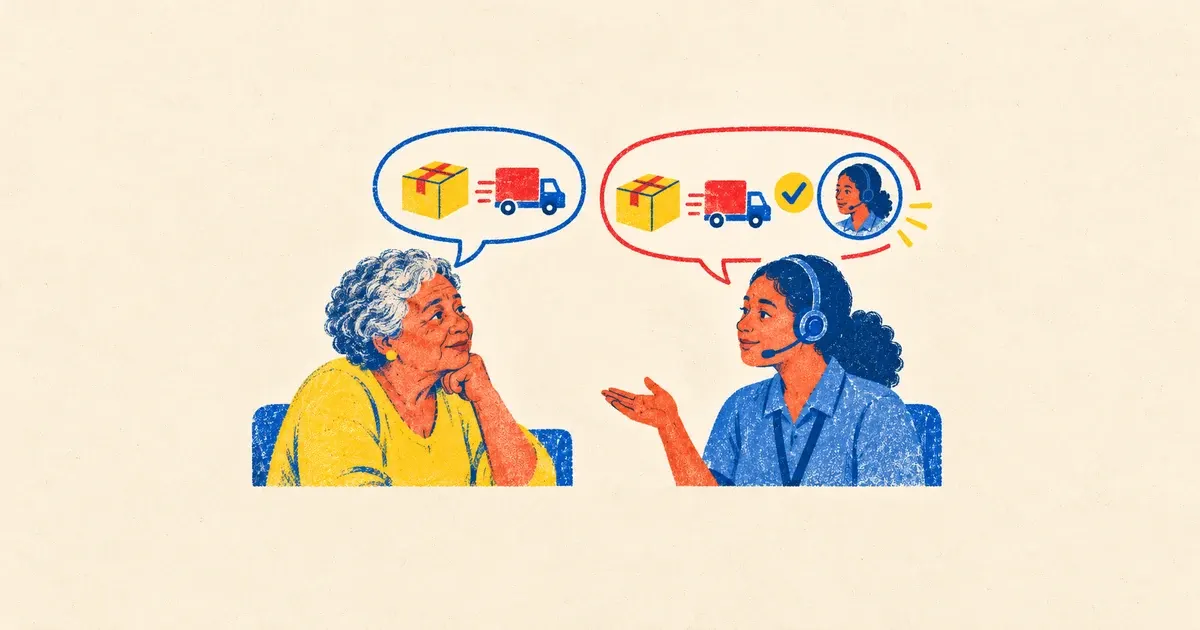
Photo: Avila Ops Tecnologia
An automatic message avoiding a robotic sound does four things: answers the question or clearly says it cannot yet; uses the person’s name and order context; states when and how a real person will reply; offers a one-word exit. Robotic messages do the opposite: generic uppercase text with “dear customer” and “we will respond shortly,” providing no information.
Automation’s goal is resolving what it can without people and honestly describing the rest, not pretending to be human. Customers accept automatic messages; they reject wasted time.
What makes messages sound robotic?
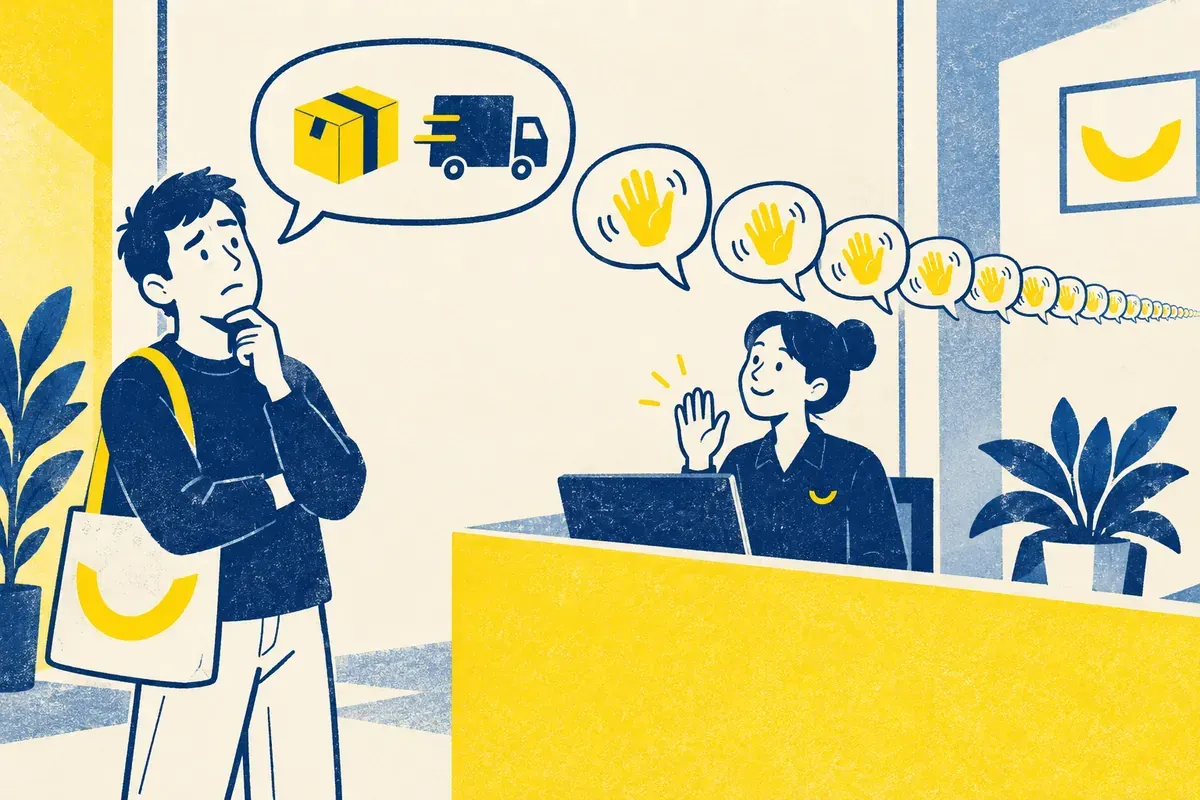
Photo: Avila Ops Tecnologia
Not answering. If someone asks “will it arrive before the 27th?” and gets “Hello, we received your message and a representative will contact you shortly,” they know nobody read it. Sounding like a bank circular: “dear,” “request,” “we shall respond,” “consumer assistance.” Nobody talks that way on WhatsApp.
Sending a text block with menu options 1 through 9 for a simple question. Repeating greetings after every new message from the same person. Promising what you cannot fulfill: “reply within 1 hour” at 11 p.m. Saturday.
How do you write one that works?
Short, in your store’s everyday language, with the information wanted. Start with content rather than greetings. End with what happens next. Compare:
Poor: “Hello, welcome to our store. We received your message and a representative will contact you shortly. Thank you for choosing us.”
Better: “Hi, Ana. This is Store X’s automatic message. We’re currently closed (Monday to Friday, 9 a.m. to 6 p.m.). For delivery timing or tracking, your order number helps: send it and I’ll reply with status when we open at 9 a.m. If urgent, write ‘urgent’ and Carla will see it on her phone.”
The second says it is automated, states hours, resolves part of the issue, names the person who will help, and offers an exit. It pretends nothing.
Campaign templates:
- After hours: “Hi, [name]. I’ve noted your message. During Black Friday, we reply from 9 a.m. to 8 p.m. Delivery and shipping appear on product pages when you enter your postal code. I’ll reply here tomorrow morning.”
- Order confirmed: “[Name], payment confirmed for order [number]. I’ll pick it today, and tracking arrives here when it ships. Questions? Just reply.”
- Common business-hours question: “[Name], about returns: you have 7 days after receipt to withdraw, and defective-product exchanges have longer deadlines. Steps are at [link]. To speak to someone, write ‘person’ and I’ll call them.”
When must automation stop and call someone?
When people type the exit word, repeat questions twice, use “complaint,” “Procon,” “cancel,” or “not arrived,” or exceed three exchanges without resolution. Then say “I’ll call [name]; she replies within [time]” and stop. Nothing irritates more than automation continuing after a human request.
The peak-time service guide covers questions to automate; WhatsApp automation connects messages to orders and tracking. The automation glossary defines the term.
What to do now
Rewrite your away message today with hours, a responder’s name, and an exit. Then write the three campaign templates and test on a friend. To connect messages with orders, payments, and tracking without typing, we configure it: avilaops.com/automatizar-whatsapp or contact us on WhatsApp: wa.me/5517997811471.
Frequently asked questions
Should I disclose automatic messages?
Yes. Customers notice anyway, and honesty avoids expecting answers that never come. Saying “automatic message” and providing useful information beats pretending.
Can automatic messages use emojis and slang?
Use your normal counter-service tone. Do not change it: formal automation with informal staff, or the reverse, confuses people.
How often should greetings appear?
Once per new conversation or after a long absence. Not after every message: people who talked yesterday do not want another welcome.
Turn what you learned into your next step.
Tell us about your company and what you want to improve. We can explore the right tools, integrations or custom project together.